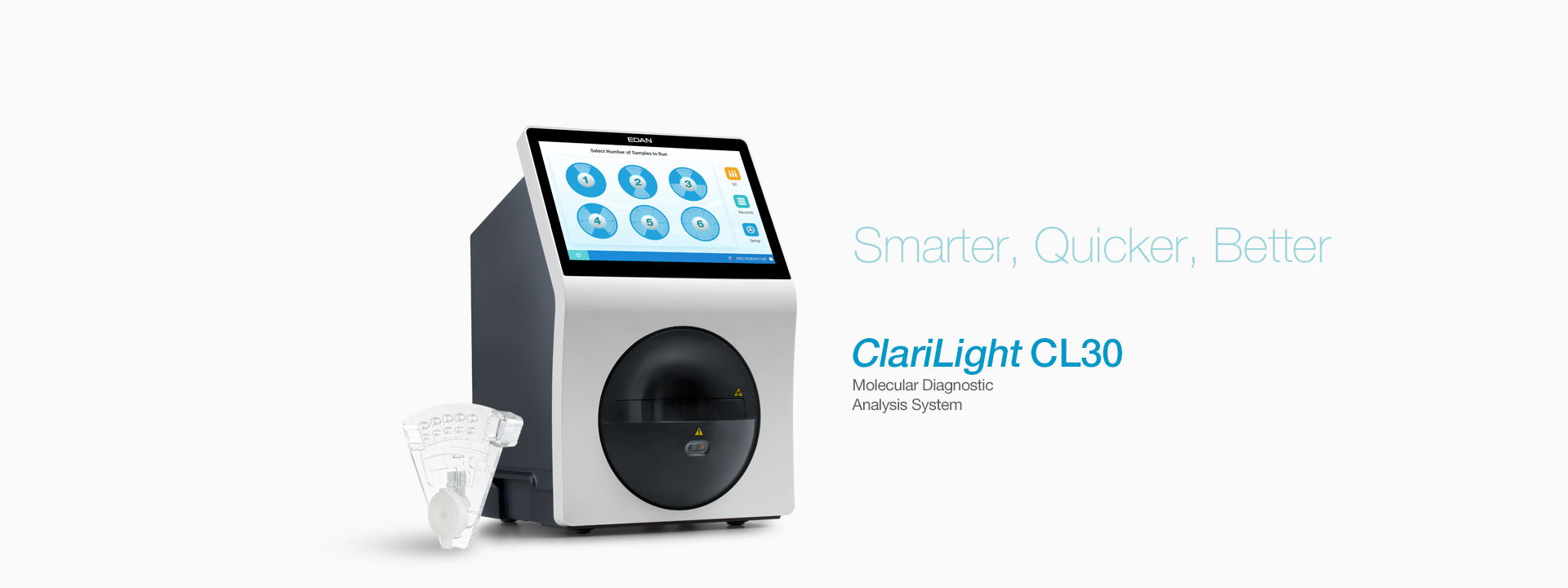
In modern clinical settings, seamless communication between laboratory systems is essential for accurate molecular diagnostic testing. Instruments such as the diagnostic analyzer play a pivotal role in transmitting data from tests to laboratory information systems (LIS) and hospital information systems (HIS). When communication errors occur, workflows slow down and result turnaround can be delayed. Understanding how to address these issues quickly can help laboratories maintain high operational efficiency and dependable results.
Understanding Communication Errors in Diagnostic Systems
Communication errors in laboratory equipment can stem from a variety of sources. Unlike the mechanical faults or simple user errors, communication problems often involve the network layer or data transfer between devices and laboratory software. These can include physical disconnections, incorrect network settings, incompatible protocols, or even transient software glitches. Before diving into solutions, it’s important to recognize the kinds of disruptions that typically trigger communication failure notices on analyzers.
Common Causes of Communication Interruptions
One frequent source of communication disruption arises from unstable connections. Whether via physical cabling or wireless interfaces, a loose connection or intermittent network access can block the flow of test data from the diagnostic analyzer to a central system. Another issue can be configuration mismatches between the analyzer’s network settings and the receiving software. In addition, outdated system firmware or software on either end of the communication channel may lack compatibility, leading to unsuccessful data exchanges. Finally, temporary software bugs can interrupt normal operations, requiring a reset or update.
Steps to Resolve Communication Challenges
Start by checking the basics. Ensure that all cables connecting your analyzer to the local network are firmly seated and intact. Confirm that the power supply to connected network hardware is stable. Next, verify that the IP settings and network credentials on the analyzer align with the laboratory IT infrastructure. For instruments equipped for data transmission, such as EDAN’s CL30 system, integrated features like bi-directional LIS/HIS/DMS connectivity simplify the process of ensuring consistent data flow. Regularly updating system firmware and diagnostic software also helps mitigate interface errors and improves overall stability.
Conclusion
Communication errors in clinical diagnostic environments can disrupt molecular diagnostic testing and delay critical reporting. By methodically inspecting connections, reviewing network settings, and keeping device firmware current, laboratory professionals can reduce these errors and maintain smooth operations. Devices such as the EDAN CL30 diagnostic analyzer are designed with network-ready features to support reliable data exchange, helping laboratories streamline workflows and maintain confidence in their testing processes.