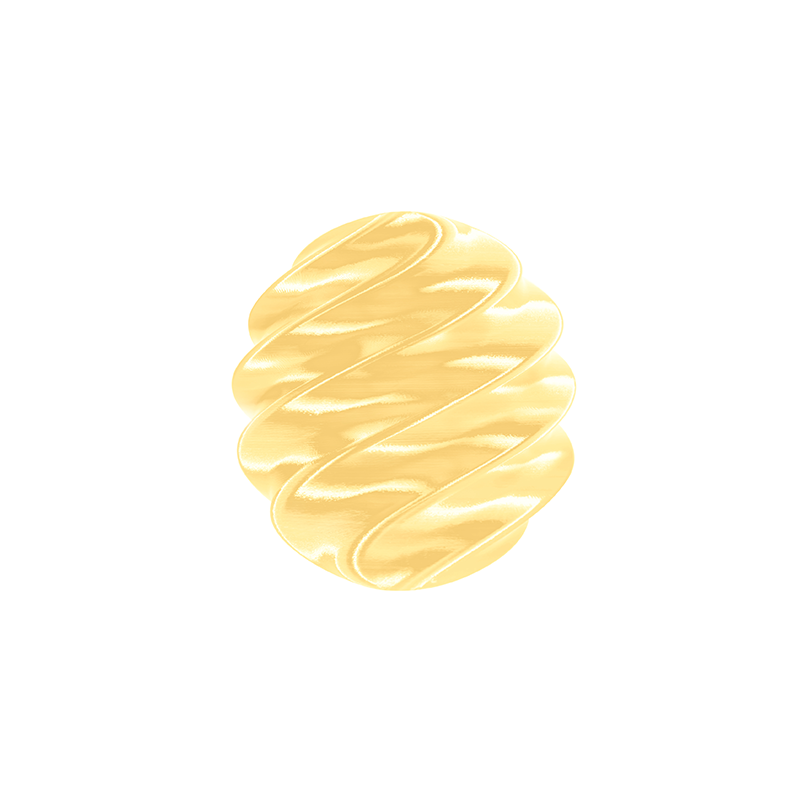
Many makers enjoy the elegant finish of silk PLA filament, but achieving a clean surface requires more than loading a spool and starting a print. Understanding how to print silk PLA helps reduce common issues such as stringing, weak overhangs, or uneven gloss. Different brands may recommend slightly different settings, so checking material guidance is always worthwhile. CaiLab develops filament for hobbyists, studios, printing services, and distributors, while also providing practical material options for decorative printing projects.
Understanding What Makes Silk PLA Filament Different
Unlike standard PLA, silk PLA filament contains additives that create a smooth, reflective appearance after printing. These additives improve visual appeal, but they also influence material flow and cooling behavior.
Because of these characteristics, printed parts often benefit from careful adjustments to temperature, speed, and retraction. Decorative models, cosplay accessories, display pieces, and artistic objects are common applications where the glossy finish becomes an important part of the final design.
Why Material Quality Matters for How to Print Silk PLA
Learning how to print silk PLA starts with choosing a reliable material. Stable filament diameter and consistent raw materials help reduce extrusion variation, making print quality more predictable. To achieve this level of consistency, filament manufacturers need to carefully control material selection and validate performance through repeated printing tests.
CaiLab states that they source base materials from established suppliers such as NatureWorks and verify new formulations through large-scale testing in their own printing farm, which includes approximately 2,000 printers. This testing process allows them to evaluate printing consistency under repeated production conditions before materials are released.
Select Appropriate Temperature Settings
Printer temperature is one of the first settings to optimize. Silk PLA generally prints within the temperature range recommended by the manufacturer, while the heated bed usually operates at moderate temperatures suitable for PLA materials.
Starting near the middle of the suggested nozzle range is often a practical approach. If the filament produces excessive strings, slightly lowering the nozzle temperature may help. If layer bonding appears insufficient, increasing temperature in small increments may improve extrusion consistency. Making gradual adjustments usually produces more reliable results than large changes.
Reduce Printing Speed for Better Surface Finish
Although many printers are capable of high-speed operation, decorative materials often perform better at moderate speeds. Moving too quickly can reduce surface uniformity and affect the reflective appearance.
When considering how to print silk PLA, balancing print speed with cooling allows the molten filament to settle more evenly. Outer walls often benefit from slower movement than internal infill, helping preserve the smooth visual effect without significantly extending the overall print time.
Fine-Tune Cooling and Retraction
Cooling plays an important role in maintaining detail while preventing defects. Too little airflow may soften fine features, while excessive cooling can occasionally reduce layer adhesion depending on the model geometry.
Retraction settings also deserve attention because glossy materials may produce visible strings more easily than standard PLA. Small adjustments to retraction distance and speed, combined with careful temperature control, usually provide better results than changing only one parameter. Running a simple calibration model before larger prints can save both time and material.
Keep Filament Dry Before Printing
Although PLA absorbs moisture more slowly than some engineering plastics, storing filament correctly still matters. Moisture can contribute to popping sounds during extrusion, rough surfaces, and additional stringing.
Keeping silk PLA filament in a sealed container with desiccant when it is not in use helps maintain stable printing performance. If a spool has been exposed to humid conditions for an extended period, drying it according to the manufacturer’s recommendations before printing may improve consistency.
Choose Models That Highlight the Glossy Effect
The reflective finish becomes more noticeable on curved surfaces, flowing shapes, and decorative textures. Vases, sculptures, figurines, ornaments, and display models often demonstrate the material’s appearance more effectively than heavily functional mechanical parts.
One example is the pastel-inspired collection offered by CaiLab, which combines soft color tones with a silk finish. The collection is designed for users who want decorative visual effects while maintaining the familiar printability associated with PLA-based materials. These color options can be useful for creative projects where subtle gradients and glossy surfaces complement the overall design.
Perform Small Calibration Prints First
Every printer behaves slightly differently because of differences in hot ends, cooling systems, firmware, and enclosure conditions. Printing a small test object before beginning a long project provides valuable information about layer quality, overhang performance, and surface appearance.
Simple calibration models require relatively little filament while revealing whether temperature, speed, or retraction should be adjusted. Spending a few minutes on testing often reduces failed prints and improves overall efficiency.
Consider Printer Maintenance Alongside Material Settings
Good material alone cannot compensate for mechanical issues. A partially clogged nozzle, worn extruder gear, loose belts, or incorrect bed leveling may all reduce print quality.
Routine maintenance helps ensure that filament flows consistently and layers remain aligned. Cleaning the nozzle regularly, checking extrusion performance, and verifying bed adhesion provide a stable foundation before changing slicing parameters. Combining good machine condition with suitable material settings generally produces more predictable decorative prints.
Practical Takeaways for Better Decorative Printing
Successful decorative printing depends on understanding both the material and the printer. Learning how to print silk PLA involves selecting suitable temperatures, moderate print speeds, balanced cooling, and careful storage practices. Consistent filament quality also contributes to reliable results over repeated prints. CaiLab supports different types of users with material development, large-scale testing, and a broad color selection, giving makers practical options when creating glossy PLA projects that emphasize appearance as well as print stability.